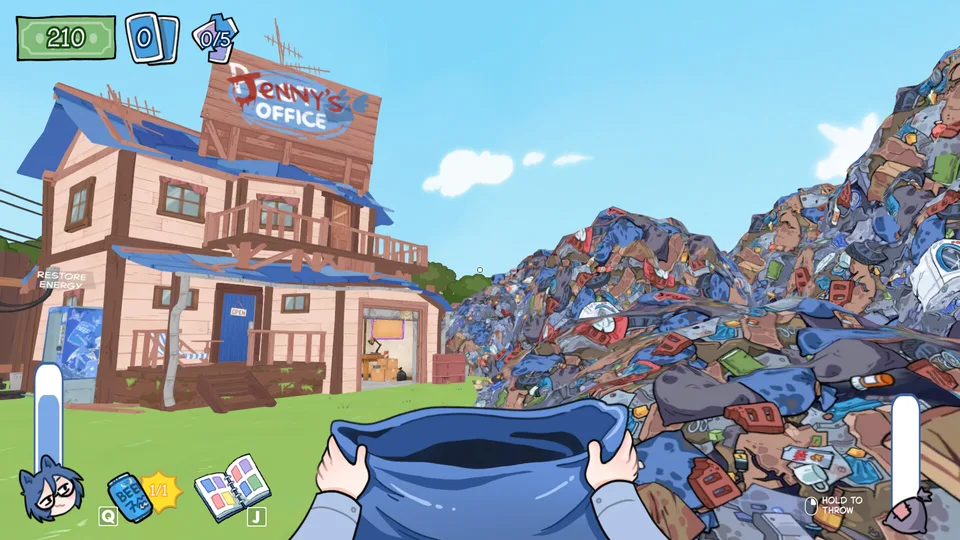
How KOTAMON developer commands are entered
Current Steam Community guides report that KOTAMON has direct in-world key sequences. There is no console or text box to open: stand in the playable world, switch to an English keyboard layout, and type the full code. These commands are documented by players, not in the official store or patch notes, so a later build can change or remove them.
Make a separate manual save and copy the complete KOTAMON save folder before trying any code. Do not test on the only copy of a long completion run.
%APPDATA%\..\LocalLow\KotaMota Games\KotamonCurrent community-reported KOTAMON cheat codes
Two current Steam Guides publish the same command list. The second credits the first, so this is one community-documented list rather than two independent confirmations. Effects below use the guide authors’ descriptions and are not official patch-note promises.
| Code | Community-reported effect |
|---|---|
| KOTAMOTATOY | Spawn a figurine. |
| KOTAMOTACASE | Spawn a cosplay case. |
| KOTAMOTABOX | Spawn a cereal box. |
| KOTAMOTATAPE | Spawn an audiotape. |
| KOTAMOTAIDKFA | Spawn a card. |
| KOTAMOTAFOIL | Spawn a foil card. |
| KOTAMOTAHESOYAM | Add all cards and money. |
| KOTAMOTAIDDQD | Clear the current trash pile. |
| GETSOMEMONEY | Add money. |
Do KOTAMON cheats disable Steam achievements?
No official KOTAMON page says whether developer commands disable, delay, or preserve achievements. One guide author reports seeing achievement progress after using commands and relaunching the game, but that is a single player report rather than a developer or Valve guarantee.
Steam achievements are configured for each game by its developer. The public list confirms KOTAMON’s current 40 requirements, but it does not publish an anti-cheat rule, command policy, or recovery process for counters changed by codes.
Save edits, macros, mods, and trainers are different risks
A built-in key sequence, a JSON save edit, an AutoHotkey macro, and a BepInEx mod are not interchangeable. Current Steam Guides cover all four approaches, but only the direct key sequences avoid modifying a save or installing third-party game files.
- Close KOTAMON before copying or restoring save files.
- Back up the complete Kotamon folder, not one guessed JSON file.
- Keep the clean backup outside LocalLow and do not edit it.
- Test one change at a time on a separate manual slot.
- Remove third-party files before troubleshooting a new game update.
| Method | What changes | Practical risk |
|---|---|---|
| Direct key sequence | Current game state through a community-reported command | Effect or achievement behavior can change between builds. |
| Save-file edit | Values inside local JSON save data | A wrong field, index, or overwrite can corrupt or misalign progress. |
| AutoHotkey macro | Mouse and keyboard input outside the game | Coordinates and timing depend on the player’s layout and resolution. |
| BepInEx or another mod | Third-party files loaded with the game | Updates can break the mod; one current comment reports card cleaning stopped working. |
| Trainer or Cheat Engine table | External process or memory changes | Unknown downloads and version mismatch add avoidable security and save risk. |
Can you recover money after a cereal-box crash?
A current player reports losing $10,000 when KOTAMON crashed immediately after a cereal-box purchase. The reviewed replies point back to an earlier manual save or earning the money again; no official refund button, rollback command, or guaranteed recovery method is published.
Load an earlier manual slot only after preserving the current saves. If no clean slot exists, a community-reported money code may change the balance, but it is not an official crash-recovery tool and should not be described as one.
KOTAMON cheat command FAQ and bottom line
Use the direct commands only with a restorable save and treat every effect as community documentation for the current build. Normal play remains the safest route for achievement counters; save edits, automation, mods, and trainers add separate failure points.
Does KOTAMON have a developer console?
Current community guides report no console or text box. They tell players to stand in the game world and type the full command directly with an English keyboard layout.
What is the KOTAMON money cheat?
Current Steam Guides list GETSOMEMONEY for money and KOTAMOTAHESOYAM for all cards plus money. Neither effect is documented in official KOTAMON patch notes.
Is there a KOTAMON foil card cheat?
Current Steam Guides list KOTAMOTAFOIL as a direct key sequence that spawns a foil card. Back up the save first, and do not assume the result will satisfy every Steam achievement counter.
Can KOTAMON commands complete achievements?
There is no official command-and-achievement policy. One guide author reports progress after using commands and relaunching, but that experience is not a guarantee for every code or counter.
Do I need Cheat Engine for KOTAMON commands?
No external trainer is needed for the direct key sequences described by the current Steam Guides. External tools add download, version, and save risks.
Where are KOTAMON save files?
Current Windows guides use %APPDATA%\..\LocalLow\KotaMota Games\Kotamon. Close the game and copy the complete folder before any command, edit, or restore test.